

Legal Tech
Legal UI/UX design services for legal-tech companies that need clearer workflows, smoother navigation, and less friction across casework, documents, funding, discovery, and AI-assisted operations.

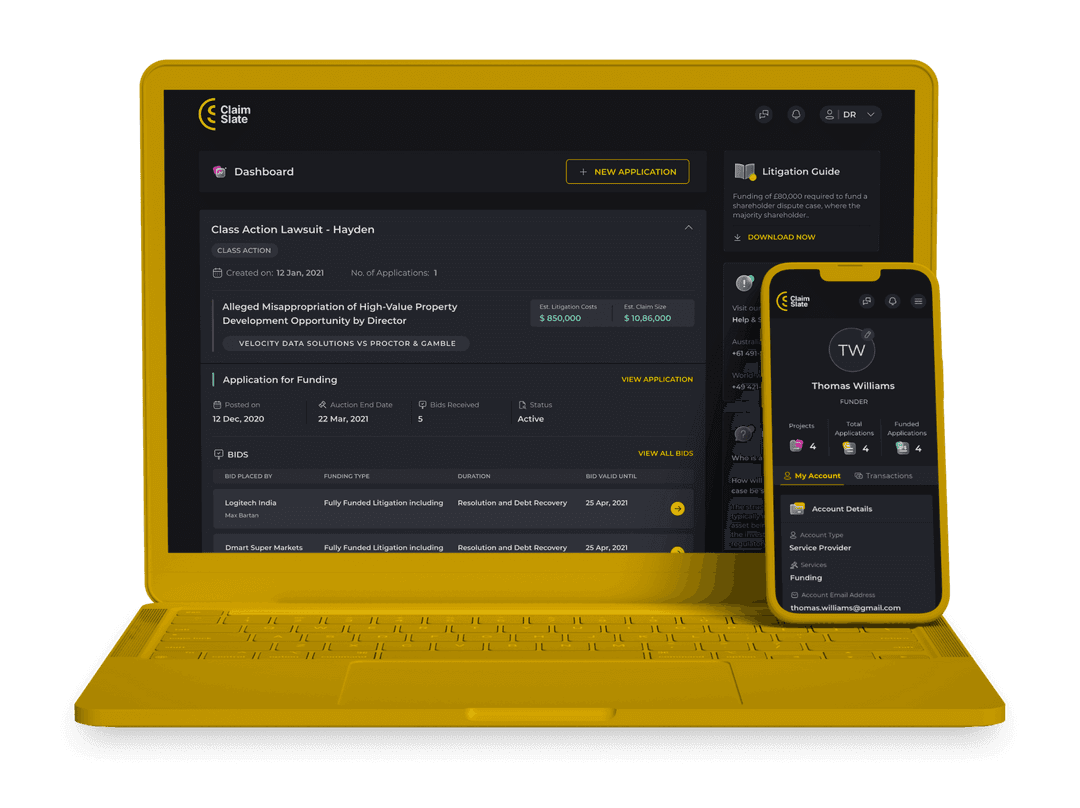
We make litigation funding easier to apply for, easier to review, and easier to track across applicants, law firms, and funders.
We improve how legal teams access case details, manage timelines, review documents, and move matters forward without losing context.
We design workflows that reduce repetitive drafting and help teams generate, review, and manage legal documents with more speed and consistency.
We simplify document-heavy discovery workflows and make electronically stored information easier to search, review, and retrieve.
We design AI-supported workflows that help legal teams manage communication, coordination, intake, scheduling, and basic research with less friction.

Better UX makes legal workflows easier to understand, easier to complete, and easier to trust. It helps users move through documents, tasks, approvals, and case-related actions with less friction, which can improve adoption and reduce workarounds.

Legal-tech products usually carry dense information, long workflows, multiple stakeholders, and actions that require accuracy. When the structure is unclear, users struggle with navigation, lose context, and take longer to complete basic tasks.
Case management systems, litigation funding platforms, document automation tools, e-discovery platforms, and AI-assisted legal products all benefit from better UX because they depend on dashboards, repeated workflows, and large amounts of information.
Yes. When workflows feel clearer and tasks are easier to complete, users adopt the product faster and rely on it more consistently. Better design also reduces the learning curve for new users and lowers the need for repeated training.
Most legal-tech teams should start with workflow clarity, information hierarchy, dashboard structure, and navigation. These areas shape how users understand the product and what they do inside it every day.
Yes. Legal-tech products often deal with sensitive information, high-stakes decisions, layered permissions, and document-heavy workflows. The UX has to support accuracy, traceability, and clarity without slowing users down.
Good dashboard patterns help legal teams review status, spot priorities, track progress, and act faster without searching across too many screens. They bring structure to high-volume information and reduce friction across daily work.
Yes. Many legal-tech companies already have products in market but struggle with low usability, hard-to-follow workflows, or outdated interfaces. Legal UI/UX design services can improve those systems without starting from scratch.
AI can support intake, summarization, communication, scheduling, and research-related tasks. It works best when it fits naturally into the workflow and the product clearly explains what the AI is doing and when users should rely on it.
Better product design helps legal-tech companies improve usability, reduce friction, and create stronger day-to-day product experiences. That can support adoption, improve buyer confidence during demos, and make the platform easier to scale.
 India
India Singapore
 USA
USA


