

An AI agent can finish its task and still leave a business with a bigger problem. It might send a good customer message without approval or claim a record was updated when it was not.
The issue is not always model capability. Teams often design AI workflows around available tools before deciding which actions those tools should control. The demo impresses; the underlying process remains unreliable.
Before introducing more AI into a business process, teams need to decide which tasks should follow fixed rules, become reusable Skills, connect to external systems, or require agents and human judgment. This article introduces a seven-question AI Workflow Upgrade Map to help businesses assign those responsibilities before implementation.
TL;DR
- AI workflow automation should improve a verifiable business outcome, not simply increase the number of automated steps.
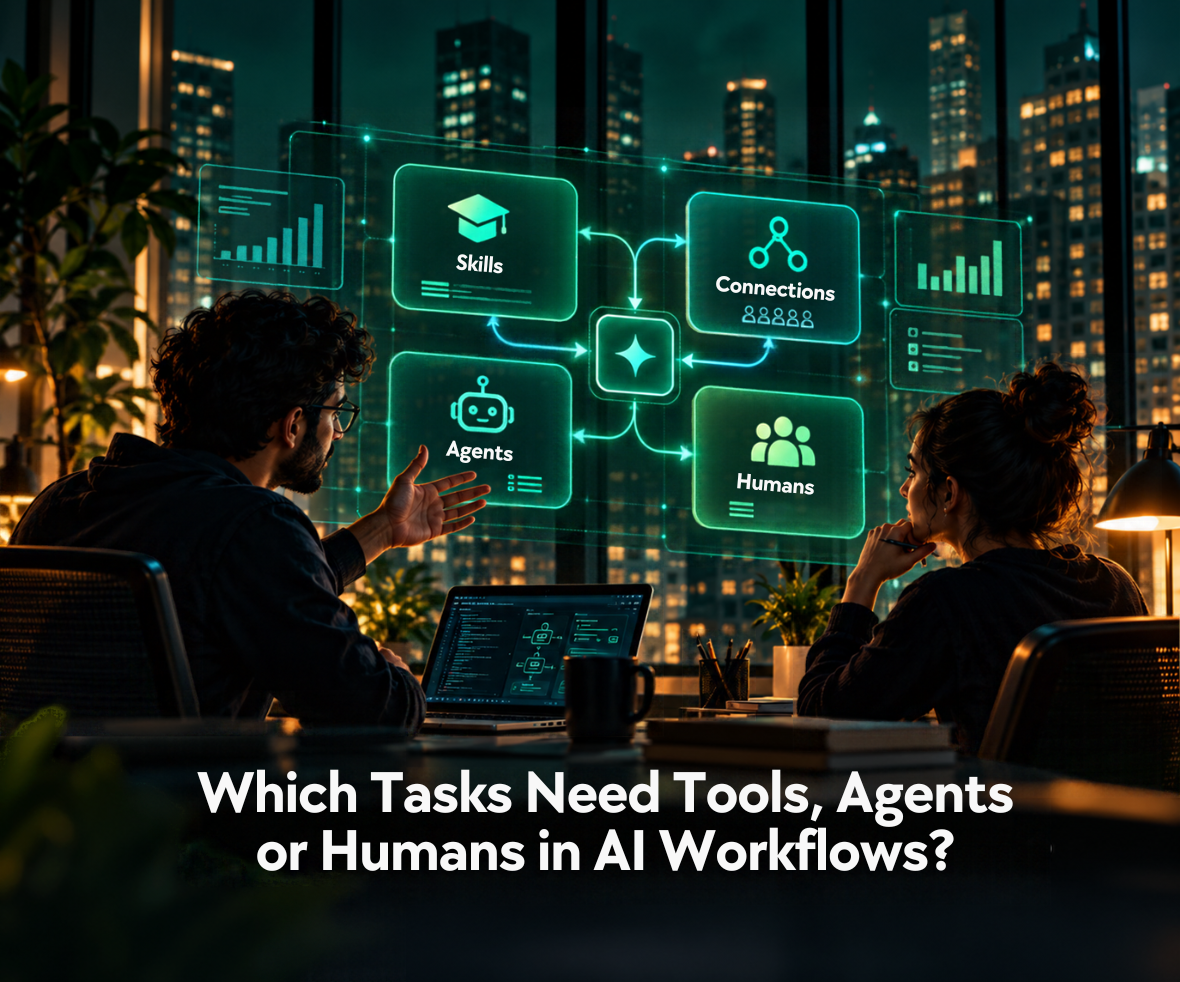
- Skills preserve a repeatable method; connections provide authorized system access; agents adapt execution when the next step is uncertain.
- AI workflow architecture should keep exact rules in code and consequential approvals with authorized people.
- AI agent governance must be enforced through permissions, approval gates, and recovery controls rather than prompts alone.
- AI agent evaluation should verify what happened in the target system, including failures and necessary human intervention.
What Are AI Workflows When Business Results Matter?
AI workflows coordinate AI models, conventional software, connected data, and people to complete a defined business process. An invoice workflow might interpret a document, validate totals, check vendor records, draft a recommendation, and request payment approval. These tasks belong to the same process, but they do not require the same technology or authority.
The question “What are AI workflows?” requires a better answer than a list of tools. A convincing summary is not proof that a CRM record was updated correctly. AI workflow automation needs a defined owner, completion criteria, and an independent way to verify what happened.
The urgency is visible in current enterprise research. In April 2026, Deloitte reported that only 21% of respondents to its survey of 3,235 business and technology leaders across 24 countries said their organizations had mature governance for agentic AI. That measures reported governance maturity, not an AI-project failure rate. Still, it reinforces a practical point: adoption can move faster than the controls needed to operate it.
Good AI workflow architecture therefore starts with responsibility. What may the system read? What may it change? Who can authorize that change, and how will the business know it succeeded?
How Do You Map Workflow Tasks to the Right Approach?
Break the process into tasks and assign each one the simplest reliable execution method. These seven questions help classify work without prescribing a particular technology stack. Apply them wherever responsibility changes hands.
| Ask this about each task | Likely responsibility |
|---|---|
| Can a fixed rule produce the correct result? | Tested code or conventional automation |
| Does the team follow an approved, repeatable method? | Skill with documented references and checks |
| Is live information or an external action required? | Scoped API or MCP connection |
| Must the next step change as new facts appear? | Bounded agent |
| Could an error affect money, privacy, access, or customers? | Policy control and human review |
| Can completion be independently checked? | Acceptance criteria and logs |
| Who owns disagreement and exceptions? | Named owner and escalation process |
When Should Tasks Use Code, Skills, or Connections?
A design-system audit or release review may follow a method that specialists can document: required inputs, review criteria, approved references, and exceptions. These are good candidates for reusable Agent Skills. Invoice totals and eligibility thresholds belong in tested software.
The agent skills vs MCP distinction matters when a reusable method needs information from another application. The Skill describes how to perform a review; MCP or a direct API can expose the permitted data and actions. But neither choice determines who may approve a financial decision. AI integration across workflows must handle identity, access, and confirmed writes.
When Does a Task Need an Agent?
An AI agent workflow is useful when an investigation may require different actions depending on what it discovers. A software incident might lead from test results to logs, then to a related code change. The agent selects from permitted tools, while the application enforces tool limits and stopping rules.
This is when to use AI agents, rather than assigning them every task. The AI workflow vs AI agent distinction matters as one decision inside the map: predefined orchestration suits predictable sequences; bounded agents may add value when the route is genuinely uncertain. Both can coexist in the same AI workflow architecture.

How Does This Decision Map Work in a Real Enterprise Workflow?
The best AI workflow examples reveal where creating an output ends and authorizing an action begins. Morgan Stanley’s AI-powered meeting assistant makes that difference tangible.
In its announcement of AI @ Morgan Stanley Debrief, the firm said the tool, with client consent, generates meeting notes and action items, drafts follow-up emails, and saves a note in Salesforce. Financial advisers edit and send the email at their discretion.
A comparable implementation could map those activities as follows:
| Task | Appropriate responsibility | Evidence or control |
|---|---|---|
| Process a consented recording | Controlled application workflow | Valid consent and authorized access |
| Produce meeting notes and draft an email | AI-assisted interpretation with review criteria | Accuracy against meeting content |
| Save notes to Salesforce | Restricted connection | Confirmed write to the correct record |
| Send the client communication | Authorized adviser | Reviewed draft and explicit approval |
This is an illustrative mapping, not a claim that Morgan Stanley uses Agent Skills or MCP. It separates technical capability from decision authority.
A note can omit a commitment. A CRM integration can update the wrong record. An email can be grammatically correct yet unsuitable for a client. Those failures require different checks. Simply placing everything inside an AI agent workflow would make responsibility harder to trace.
These examples of AI workflows demonstrate the value of visible handoffs: people should know what AI completed, the evidence, and what still needs approval.

Where Should Agent Autonomy End and Human Approval Begin?
Human approval should remain part of AI workflows when an action carries significant consequences, involves uncertain information, or cannot be easily reversed. An agent may be capable of completing a task, but that does not automatically mean it should have permission to execute every action.
The boundary depends on three factors:
- Impact: Could the action affect customer data, finances, access permissions, or business operations?
- Reversibility: Can an incorrect action be safely undone, or would the consequences be difficult to correct?
- Uncertainty: Is the available evidence reliable enough for autonomous execution, or does the decision require human judgment?
For example, an AI agent might investigate a refund request, review transaction history, and recommend an outcome. However, issuing the refund may still require approval from an authorized employee, depending on the amount, risk, and company policy.
The goal of AI agent governance is not to require approval for every action. It is to establish clear boundaries so agents can operate independently within permitted limits while consequential decisions remain accountable.
What Should the Approval Experience Show?
This is where ProCreator’s product-design perspective becomes essential. An approval button is not meaningful oversight if the reviewer cannot see what the AI intends to do. The interface should clearly provide:
- Action: The exact record, customer, or system that will change.
- Evidence: The source information and important uncertainty behind the recommendation.
- Authority: What has already been completed and what still requires confirmation.
- Recovery: Ways to edit, reject, escalate, or reverse an action where feasible.
AI agent governance must also exist outside that interface. Credentials, tool permissions, and application rules should prevent unauthorized operations even when the model misinterprets a document. The same principle underlies Agent Skills security: instructions alone cannot enforce safe runtime behavior.
Reviewers should understand consequences without reading an agent’s entire reasoning trace.

How Should Teams Evaluate and Release the Workflow?
AI agent evaluation should prove that the intended result occurred in the right system, with approved permissions. If a model says a ticket was closed, the test should confirm the ticket’s actual status. Tests should also cover permissions, missing information, partial failures, and escalation.
Anthropic’s January 2026 guide to agent evaluations explains how teams can combine code-based checks, model graders, and human review according to the task. Language quality alone cannot establish success.
| Measure | Evidence to examine |
|---|---|
| Completion | Verified final state in the target system |
| Accuracy | Source checks and expert assessment |
| Permission compliance | Tool logs and approval records |
| Efficiency | Cost per verified outcome, including corrections |
| Recovery | Failed-run traces, retries, and escalation results |
What Belongs in a Production Rollout?
- Baseline: Measure how long the existing process takes, which mistakes occur, and what reviewers correct. AI workflow automation must outperform a real process, not a curated demo.
- Constrain: Start with read-only or draft-only capabilities where possible. An AI agent workflow should not receive sensitive write permissions before its behavior is understood.
- Evaluate: Run AI agent evaluation against ordinary tasks, conflicting records, unavailable systems, and malicious instructions in untrusted content. The correct result may be refusal or escalation.
- Expand: Increase autonomy only after outcomes remain reliable. AI agent governance should preserve test histories, permission changes, and recovery procedures as systems evolve.
This is also when to use AI agents more widely: after evidence shows that flexible investigation delivers value beyond stable orchestration. An AI innovation strategy can connect that choice to business outcomes, integration readiness, and product usability.
Conclusion: Give Each Decision the Right Owner
Better AI workflows do not begin with more autonomy. They begin with a clear task, a responsible owner, a permitted action, and proof that the result is correct. AI workflow architecture should make those boundaries easier to operate, not harder to see.
The strongest upgrade keeps fixed rules in code, makes expertise reusable, connects the necessary systems, and introduces agents only where adaptive execution earns its cost. Human judgment remains wherever consequences demand it. To turn one workflow into a realistic implementation plan, start a project conversation with ProCreator.
FAQs
Which tasks should use fixed automation instead of AI agents?
Fixed automation works best for predictable tasks such as calculations, data validation, formatting, and rule-based approvals. These activities follow established conditions and do not require autonomous reasoning. AI agents are more appropriate when new information changes the next step and the task requires investigation or adaptive decision-making.
When should AI workflows use Skills or MCP connections?
Use Skills when tasks require consistent procedures, specialist knowledge, or documented review criteria. MCP connections are useful when an AI system needs standardized access to external tools or live data. Skills define how work should be performed, while connections provide capabilities. Both can operate together within the same workflow.
Which AI workflow tasks should still require human approval?
Human approval is important when automated actions could affect finances, customer rights, sensitive information, regulatory compliance, or system access. AI can prepare recommendations and supporting evidence, but consequential decisions may require authorized reviewers. The level of oversight should reflect the action’s risk, reversibility, and applicable organizational policies.
How can businesses measure whether an AI workflow is ready for production?
Businesses should evaluate task completion, accuracy, permission compliance, operating costs, and recovery from failures. Testing should include routine tasks, unexpected inputs, unavailable systems, and situations requiring escalation. An AI workflow is ready for broader deployment when verified results consistently meet defined quality, security, and operational requirements.


