
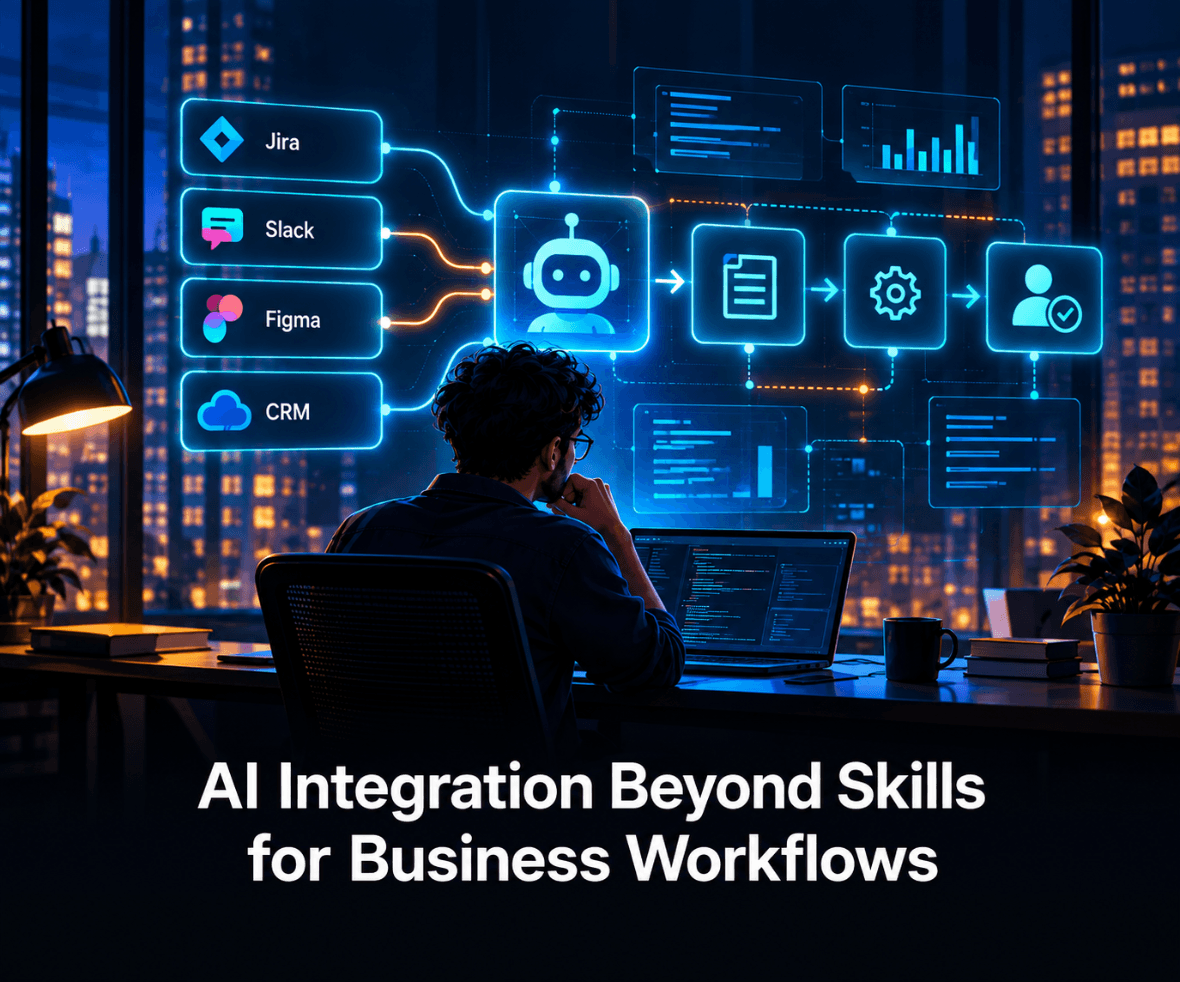

A Skill can make an AI agent much better at a task. It still cannot finish the job if the work lives somewhere else.
That is the practical problem AI integration solves. Jira holds delivery context. Slack holds conversations and decisions. Figma holds structured design context. CRM systems hold customer and commercial signals. A Skill can define how the agent should work, but access to those systems requires another layer.
The useful question is not whether every workflow needs an agent. It is where Skills stop, where integrations and MCP begin, what an agent should be allowed to do, and which consequences still need a person to approve.
TL;DR
- A Skill gives an AI agent a repeatable method, while an integration gives it access to the systems, data, and actions required to use that method.
- MCP integration gives compatible AI applications a standard way to connect with external tools and data, but it does not replace permissions, governance, or workflow design.
- AI agent integration becomes valuable when an agent can gather evidence across systems and take bounded actions instead of only generating text.
- Jira, Slack, Figma, and CRM systems play different roles, so access should follow the workflow rather than giving an agent broad permissions everywhere.
- Human approval should increase with consequence, especially when an action changes customer data, project state, designs, or other shared systems.
What Does AI Integration Add Beyond a Skill?
AI integration connects the method an AI follows to the systems, context, and actions required to complete real work. A Skill can teach an agent what good work looks like. It does not automatically give that agent access to the systems where the evidence or action lives.
That distinction matters because teams often group several different capabilities under the word “agent.”
| Layer | What it answers | Example |
|---|---|---|
| Skill | How should this task be performed? | Review a requirement using the team’s established criteria. |
| Integration or MCP | What can the AI access? | Read Jira, search Slack, inspect Figma, retrieve CRM data. |
| Agent | What can coordinate or act? | Gather context, prepare an update, call an approved tool. |
| Human | Who owns the consequence? | Approve a customer-facing or high-impact change. |
A reporting Skill, for example, could specify which metrics matter, how to compare them, and when to flag an exception. The integration gives the agent access to the analytics system where those numbers live.
The same separation between process and access matters when teams turn operating knowledge into reusable AI workflows. The Skill carries the method. The connected systems supply the context and actions.
This is not only a technical distinction. It decides who defines the method, which systems the agent can access, what actions it can take, and where human approval remains mandatory.
Where Does MCP Integration Fit Into AI Integration?
MCP integration gives compatible AI applications a standard way to connect with external data, tools, and workflows. It creates an interface between the AI client and the capabilities an external system exposes.
The official Model Context Protocol documentation describes MCP as an open standard for connecting AI applications to external systems such as data sources, tools, and workflows.
That makes MCP useful infrastructure, but it does not answer the harder workflow questions.
The application still determines which tools exist. Authentication determines who is connecting. Permissions determine what that person or agent can see or change. The workflow still needs rules for when the agent should act and when it should stop.
MCP should not be confused with the reasoning layer. It standardizes access to external systems; the model, workflow, permissions, and application logic determine how that access is used.
A clearer model is:
Skill = method.
MCP or integration = access.
Agent = coordination and action.
Human = ownership.
Once those responsibilities are clear, the architecture becomes easier to reason about.

What Does AI Integration Look Like Across Figma, Slack, Jira, and CRM?
Good AI integration gives an agent the smallest set of systems and actions required to complete one defined workflow. Connecting everything is not the objective. Connecting the right context is.
Figma provides design context
Figma’s MCP server gives supported AI clients access to structured design information such as components, variables, layout information, and file context.
The Figma MCP documentation also makes an important distinction between giving an AI client tools and giving it instructions for how to use those tools.
That distinction becomes especially useful when teams combine Figma MCP with design systems and Skills. The agent can work from actual design context while following repeatable rules for how those tools and design-system resources should be used.
An agent may know how to run a design-system check.
Figma gives it the components, variables, and layout information to check.
Slack provides conversational context
Slack holds a different kind of evidence. Product decisions, exceptions, customer feedback, links, and unresolved questions often appear in conversation before anyone formalizes them elsewhere.
The Slack MCP server allows supported AI agents to access workspace context and perform permitted Slack actions on behalf of the user.
That makes Slack useful for context gathering.
But “the agent can search Slack” is not yet a workflow.
A better instruction would be:
Find the discussions related to this Jira work item, identify unresolved decisions, and return the relevant context before the product manager reviews the requirement.
Now the integration serves a defined decision rather than giving an agent open-ended access.
Jira provides work state and controlled action
Jira moves the workflow closer to execution.
Atlassian’s Rovo MCP server connects compatible AI applications with Jira and Confluence while respecting the authenticated user’s existing access.
That creates an important boundary.
Reading a work item is not the same as editing one.
Drafting a proposed priority change is not the same as changing the priority.
Creating a work item from approved actions is not the same as allowing an agent to reshape the backlog on its own.
Integration design needs to preserve those differences.
CRM provides customer and commercial context
A CRM adds another dimension: who requested something, what relationship exists, what history matters, and which commercial signal may affect the decision.
Consider a feature request from an enterprise customer.
An agent could retrieve the CRM account context, check Jira for related work, search Slack for previous discussions, and inspect Figma for an existing flow. It could then prepare the evidence a product leader needs to make the decision.
The value does not come from having four integrations.
It comes from answering one business question with evidence that currently sits across four systems.

When Should AI Agent Integration Become Action?
AI agent integration should move from reading to acting only when the team can define the action, evidence requirement, permission boundary, and recovery path.
A useful autonomy model looks like this:
| Level | Agent responsibility | Example |
|---|---|---|
| Read | Retrieve information | Find related Jira items and Slack discussions. |
| Recommend | Produce a proposed decision | Recommend whether a request needs escalation. |
| Draft | Prepare a system change | Draft the work item or CRM update. |
| Act with approval | Execute after confirmation | Create the Jira item after a reviewer approves it. |
| Act automatically | Execute a bounded action | Apply an approved low-risk update under defined rules. |
The common mistake is moving from “the integration allows this” to “the agent should do this.”
Those are different decisions.

Permissions, retrieval, guardrails, observability, failure recovery, and approval all sit inside the wider AI agent architecture that determines whether tool use remains safe once the workflow reaches production.
More access does not automatically create a better agent.
Sometimes it simply increases the number of ways the workflow can fail.
How Should Teams Decide What Still Needs Human Approval?
Human approval should follow consequence, not novelty. The question is not whether AI performed the task. The question is what happens if the task is wrong.
Four factors provide a useful starting point.
| Factor | Lower-risk case | Higher-risk case |
|---|---|---|
| Reversibility | Drafting a note | Sending an external message |
| Scope | Updating one low-risk field | Changing many customer records |
| Authority | Suggesting a priority | Approving a financial or production action |
| Evidence quality | Complete, traceable evidence | Conflicting or missing context |
This is where ProCreator’s AI UX Pattern Library becomes useful. Two patterns apply directly: provenance trails and risk-graded actions.
Provenance helps the reviewer see what evidence supported the recommendation. Risk grading changes the level of friction based on the consequence.
A retrieval task may run without interruption.
A customer-facing change may need explicit confirmation.
A decision with financial, regulatory, security, or production consequences may need a person to remain the final authority regardless of how confident the model sounds.
The goal is not to put a human approval screen in front of everything.
The goal is to know where removing one would create unacceptable risk.

When Is a Workflow Ready for AI Integration?
A workflow is ready for AI integration when the team understands the process well enough to define its inputs, systems, decision rules, success criteria, and limits.
A recurring workflow with unclear ownership does not become clearer because an agent can access more software.
A practical way to screen workflows is to look for five characteristics:
- Context moves repeatedly between systems. People keep copying the same information from one application into another.
- A stable method already exists. Experienced team members broadly agree on how the task should be performed.
- Sources of truth are clear. Each piece of required evidence has an identifiable owner or system.
- The output can be reviewed. The team can tell whether the result is correct, useful, or incomplete.
- The stopping point is defined. The agent knows when to ask for approval instead of improvising.
Product-request triage is a useful example.
A team may currently open the CRM record, search Slack for earlier conversations, check Jira for related work, inspect Figma to see whether the flow already exists, and then prepare a recommendation.
That is an integration candidate because the workflow has recognizable inputs and a reviewable output.
“Manage product strategy” is not.
The second instruction hides too much judgment inside an undefined goal.

If the workflow boundaries are still unclear, AI Innovation Strategy should start with the responsibility model before the team chooses tools or integrations.
What Changes for Enterprise AI Integration?
Enterprise AI integration adds an identity and governance problem to the technical integration problem. The agent needs to know not only which system it can call, but whose authority it is operating under and what that authority permits.
That changes the implementation questions.
- Who authenticated the connection?
- Which records can that identity access?
- Which tools are read-only?
- Which actions need confirmation?
- What gets logged?
- What happens when one system is unavailable?
- Who reviews repeated failures?
These questions are less impressive in a demo than an autonomous workflow completing ten actions in sequence.
They are also what determines whether the system survives contact with real work.
Enterprise teams should therefore design integration around bounded responsibility, not maximum connectivity.
The strongest architecture is rarely the one where the agent can do the most.
It is the one where the team can explain what the agent is allowed to do, what evidence it needs, and where its authority ends.
AI Integration Works When Responsibility Is Clear
AI integration does not become valuable simply because an agent can access more systems.
A Skill makes the method repeatable. MCP or another integration exposes the systems that hold the context. An agent coordinates the work across those systems. Human judgment still decides which consequences the agent is allowed to create.
That is the architecture worth optimizing for: not maximum autonomy, but clear responsibility at every layer.
More tool access does not solve unclear responsibility. Access, action, and accountability need to be designed together.
If your team is deciding where AI integration should read, recommend, draft, or act across existing workflows, start a project with ProCreator and define those boundaries before expanding the agent’s access.
FAQs
What is MCP integration?
MCP integration connects an MCP-compatible AI client to tools, data, or workflows exposed by an MCP server. It standardizes how the client discovers and invokes those capabilities. MCP does not remove the need for authentication, permissions, approval rules, or application-specific controls.
Do Skills replace MCP integrations?
No. Skills and MCP integrations solve different problems. A Skill packages reusable instructions, rules, references, or procedures that tell an agent how to work. MCP gives the agent access to external capabilities. A workflow may need both when consistent execution depends on a known method plus live system context.
How do AI agents connect to business systems?
AI agents can connect to business systems through APIs, MCP servers, databases, or other application connectors. The connection exposes specific data or actions to the agent. Authentication and permissions then determine what the agent can access, while workflow rules determine when it should use those capabilities.
When should an AI agent require human approval?
An AI agent should require human approval when an action creates meaningful consequences that are difficult to reverse or affect customers, shared systems, regulated processes, or other people. Approval matters most when evidence is incomplete, the action changes shared records, or the agent is operating close to the limit of its authority.


