
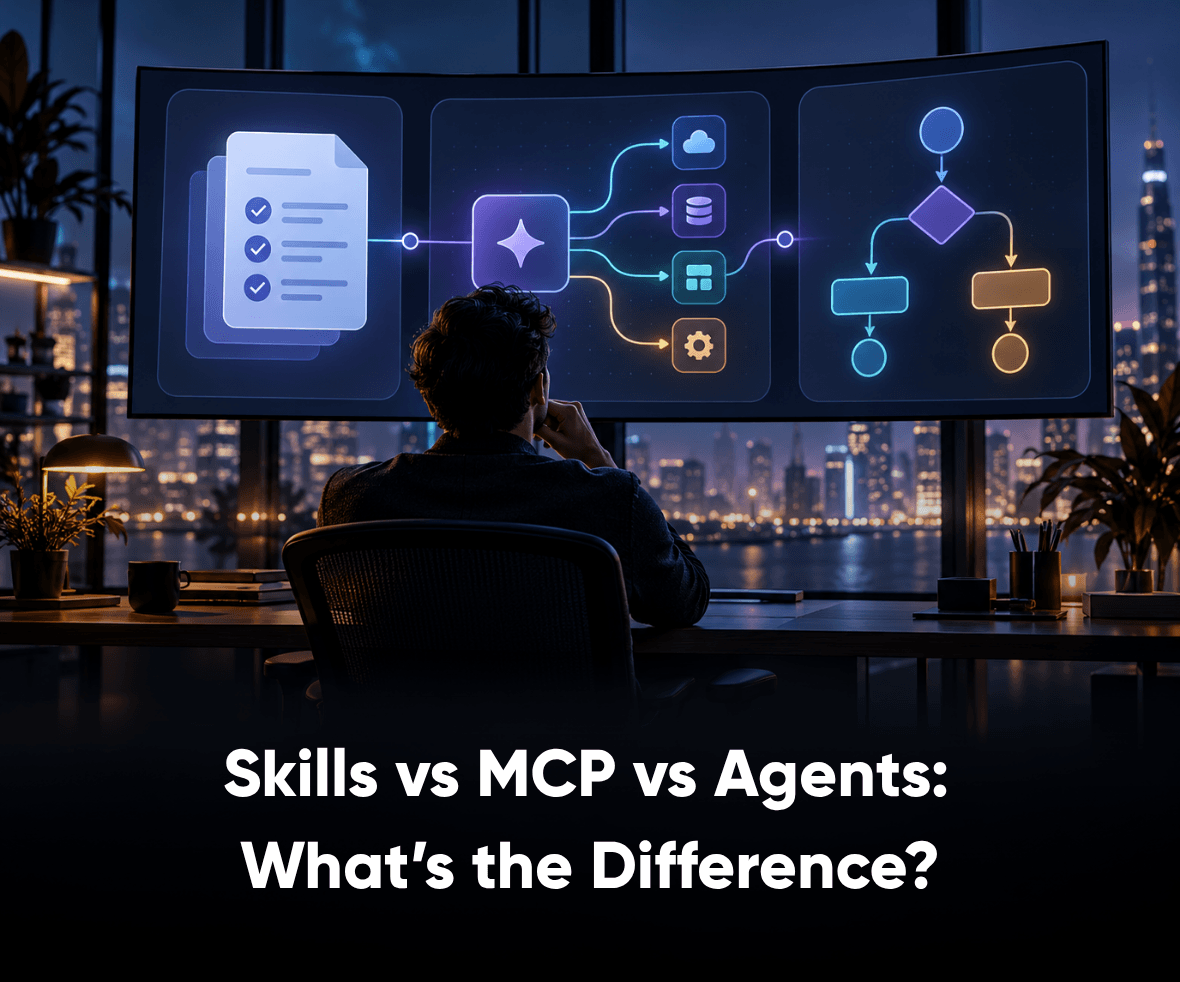

An AI system can have access to every tool it needs and still fail at the task. The problem is often not the technology. It is how teams assign responsibilities.
The Skills vs MCP debate is part of a bigger architectural question involving Skills, MCP, and AI agents. Skills package reusable procedures, MCP connects applications to external capabilities, and agents coordinate execution. Each solves a different problem. Yet teams often combine them without deciding where one responsibility ends and another begins.
Understanding these differences helps product and engineering teams avoid unnecessary complexity. This article explains what Skills, MCP, and agents actually do, when to use each, and how to combine them into reliable AI workflows.
TL;DR
- Skills package reusable instructions, references, and scripts that help AI systems perform specific tasks consistently.
- Model Context Protocol (MCP) standardizes how AI applications communicate with external tools, resources, and prompts.
- AI agents coordinate tasks, use available capabilities, and make context-dependent execution decisions.
- Skills, MCP, and agents are complementary technologies, not interchangeable solutions.
- The right architecture combines these capabilities with deterministic code, authorization, evaluation, and human oversight where necessary.
1. Skills vs MCP vs Agents: What’s the Difference?
Skills, MCP, and agents address three different requirements: reusable expertise, standardized connectivity, and goal-directed execution.
A Skill defines how an AI system should approach a task. MCP provides a standardized way to access supported external capabilities. An agent uses available instructions and tools to execute work toward an outcome.
The Skills vs MCP distinction becomes more useful when agents enter the picture, because the complete architecture must account for all three responsibilities.

| Factor | Skills | MCP | AI Agents |
|---|---|---|---|
| Primary role | Package reusable expertise | Standardize connectivity | Coordinate execution |
| Key question | How should the task be performed? | What capabilities can the application access? | What should happen next? |
| Main components | Instructions, references, scripts | Hosts, clients, servers, tools, resources | Models, instructions, tools, execution loops |
| Typical use | UX audits, reviews, reporting | External system integrations | Research, investigation, task coordination |
| Decision-making | Guides model behavior | Does not independently make decisions | Makes bounded execution decisions |
| Dependency | Requires a compatible environment | Requires supported clients and servers | Can use different tools and integrations |
Consider a product team reviewing a Figma interface against an established design system. The review needs access to design files, documented component rules, and a process for identifying inconsistencies.
MCP can expose supported design information. A Skill can define the review criteria. An agent can coordinate the investigation and prepare findings.
The three technologies work together because they solve different parts of the same task.
2. What Are AI Skills, and When Should You Use Them?
AI Skills are reusable packages of instructions, supporting documentation, and optional executable resources.
The official Agent Skills specification defines a portable format built around a SKILL.md file. A Skill can include instructions, reference files, scripts, templates, and other resources needed for a repeatable task.
Compatible AI systems can identify relevant Skills through their metadata and load detailed instructions when required.
What does an AI Skill contain?
A Skill typically combines three elements:
- Instructions: Define the steps, constraints, and expected outputs.
- References: Supply guidelines, documentation, schemas, or evaluation criteria.
- Scripts: Execute repeatable operations such as calculations or file processing.
These resources help AI systems apply a consistent procedure without rebuilding the instructions for every request.

When should teams create Skills?
Skills are useful when a task follows a reusable method but still requires contextual reasoning. A UX audit provides a practical example.
A structured UX audit methodology examines navigation, usability, interaction patterns, and design consistency against defined criteria.
An AI UX Audit Skill could specify how to review screens, identify usability concerns, classify findings, and prepare evidence for human evaluation.
The Skill preserves the procedure. The AI system applies it to the available information.
How are AI Skills different from agents?
The AI skills vs agents distinction becomes relevant when reusable knowledge needs execution.
A Skill can describe how to conduct an audit. An agent can retrieve the required information, select tools, investigate inconsistencies, and prepare results.
Teams comparing skills vs agents should distinguish repeatable expertise from dynamic execution.
An agent does not need a separate specialized agent for every procedure. A compatible assistant may execute several Skills within one environment.

3. What Is MCP, and How Does It Work?
Model Context Protocol is an open standard that allows AI applications to communicate with external tools and sources of information.
The official MCP architecture documentation describes a client-server architecture involving hosts, clients, and servers.
An MCP host manages connections through clients. MCP servers expose capabilities that applications can use.
These capabilities include:
- Tools: Operations such as searching repositories, retrieving records, or executing supported actions.
- Resources: Information that applications can read as context.
- Prompts: Reusable interaction templates exposed through the protocol.
An MCP server does not need to implement every capability.

How does MCP differ from Skills and agents?
The Skills vs MCP comparison addresses connectivity and reusable expertise. Agents add the execution layer.
For example, an MCP integration may provide access to a Figma component library. However, accessing a button component does not tell an AI system when that button should appear in a checkout journey.
A Skill can supply the relevant usage rules.
An agent can use the retrieved information and review criteria to investigate the interface.
That is why agent skills vs MCP should not become a competition between technologies. Skills define procedures, MCP exposes capabilities, and agents coordinate their use.
When should teams use MCP?
MCP is useful when an AI application benefits from standardized access to external systems. A direct API integration may remain simpler for a narrow workflow connecting to one stable service.
Teams should choose based on interoperability, maintenance requirements, supported capabilities, and authorization needs.
MCP does not automatically guarantee the accuracy of retrieved information or the safety of tool execution. Connected applications must still enforce appropriate permissions.
4. What Are AI Agents, and When Do You Need Them?
AI agents use models, instructions, and available capabilities to execute tasks toward defined goals.
Unlike Skills, agents manage execution. Unlike MCP, agents do not primarily define a communication protocol.
An agent can interpret a goal, select a tool, evaluate its output, and determine the next action.
The OpenAI Agents SDK documents these concepts through tools, handoffs, guardrails, and execution tracing.
How are agents different from fixed workflows?
A fixed workflow follows predetermined steps. An agent can adapt its execution according to intermediate results.
Consider a software engineering review.
A fixed pipeline might run formatting checks, static analysis, and unit tests in a defined sequence. An agent could inspect a code change, identify affected modules, select relevant tests, investigate failures, and prepare findings.
The next action depends on what the system discovers. This flexibility is valuable when teams cannot define every decision in advance. However, it also introduces additional testing and monitoring requirements.
Claude Skills vs Agents: What’s different?
The Claude skills vs agents comparison follows the same principle.
Claude Skills package reusable procedures. Claude’s agent capabilities can coordinate tool use and specialized work.
For engineering teams comparing Claude Code Skills vs Agents, the decision depends on whether the task requires reusable instructions or separate execution responsibilities.
A code review checklist may only need a Skill. Investigating a complex failure across multiple modules may benefit from agent coordination.
More agents do not automatically improve results. They introduce additional tool permissions, coordination requirements, and failure paths.
How much autonomy should agents receive?
Agent autonomy should match the operational risk.
An agent summarizing a document may only need read access.
An agent modifying production records requires stronger authorization, validation, and recovery controls.
Applications should enforce these boundaries instead of relying exclusively on model instructions.
5. Skills vs MCP vs Agents: What Actually Goes Where?
The right architecture assigns reusable knowledge to Skills, external connectivity to appropriate integrations, and dynamic execution to agents.
The challenge begins when teams put too many responsibilities into one component.
Consider an AI-powered analytics reporting workflow.
| Requirement | Recommended component |
|---|---|
| Reporting standards and methodology | Skill |
| Access to analytics platforms | MCP or direct API |
| Investigation and task coordination | Agent |
| Metric calculations | Deterministic code |
| Access permissions | Authorization layer |
| Report approval | Human-controlled workflow |
| Execution monitoring | Observability system |
This framework also clarifies the MCP vs Skills vs Tools distinction.
A tool performs a specific operation. MCP can expose that operation through a standardized interface. A Skill describes how the operation fits into a reusable procedure.
An agent decides when and how to use available capabilities within its permitted scope.
Why shouldn’t everything live inside an agent?
An agent can reason about calculations, but tested code should handle operations requiring predictable numerical results.
An agent can receive privacy instructions, but the application must enforce data access restrictions.
An agent can prepare an external message, but business policies may require human approval before sending it.
The larger Skills vs MCP discussion therefore needs an additional distinction: neither Skills nor MCP replaces deterministic code, security enforcement, or human accountability.
Reliable AI systems separate interpretation from enforcement.
6. How Do Skills, MCP, and Agents Work Together?
Skills, MCP, and agents complement one another when a workflow needs reusable expertise, external information, and context-dependent execution.
An AI-assisted design-system compliance review illustrates how.
Step 1: Retrieve design information
The AI application uses a supported Figma MCP integration to retrieve relevant design context. The available information depends on the integration and its permissions.
Step 2: Apply the review Skill
A Design System Compliance Skill defines how to evaluate components, typography tokens, interaction states, and documented usage rules. Consistent design system practices provide the reusable standards needed for that evaluation.
Step 3: Coordinate execution through an agent
The agent examines the available design evidence, applies the review criteria, and identifies inconsistencies. It can request additional supported information when the initial context is incomplete. Importantly, the agent should distinguish verified violations from ambiguous design decisions.
Step 4: Validate and review
Application code checks the output structure and required evidence fields. A designer then reviews the findings before approving changes. This workflow demonstrates how all three components contribute without overlapping responsibilities.
The Skill defines the method. MCP provides supported access. The agent coordinates the work.

Organizations building AI-enabled product workflows can align these architecture decisions with user and business requirements through ProCreator’s AI innovation strategy services.
7. When Should Teams Use Skills, MCP, Agents, or Traditional Code?
Choose the technology based on what the workflow actually needs to accomplish.
Four questions help determine the right architecture.
Does the task require reusable expertise?
Choose a Skill when teams need consistent procedures across repeated tasks. Examples include UX audits, reporting standards, content reviews, and engineering checklists.
Does the workflow require external information?
Choose an authorized integration. MCP may help when standardized connectivity matters. Direct APIs may suit simpler requirements.
Does execution require dynamic decisions?
Choose an agent when the next action depends on intermediate results. This is especially relevant to skills vs agents decisions. A fixed script may be more appropriate when the workflow follows predetermined steps.
Does the operation require predictable execution?
Use conventional code for calculations, validation, and other deterministic operations. The broader MCP vs Skills vs Tools question is useful here because tool access should not determine where every business rule belongs.
The goal is not to introduce every technology. It is to build the simplest architecture that meets the task’s requirements.

8. What Mistakes Should Teams Avoid?
AI architecture problems often arise when teams confuse information access with knowledge, execution, or authority.
Mistake 1: Treating MCP as intelligence
MCP provides access to supported capabilities. It does not automatically explain how to interpret information against organizational requirements. Skills and agents may provide additional guidance and execution capabilities.
Mistake 2: Creating unnecessary agents
Not every reusable procedure requires a dedicated agent. The AI skills vs agents distinction helps teams recognize when a Skill provides enough structure without additional orchestration.
Mistake 3: Treating prompts as security controls
A prompt can describe an authorization rule, but it cannot replace permissions enforced by applications and connected systems. This becomes critical when agents can update records or trigger operational changes.
Mistake 4: Measuring completion instead of correctness
An agent can finish a task while generating inaccurate findings. Teams should evaluate output accuracy, evidence quality, tool behavior, and error recovery. Successful execution alone does not establish reliability.
9. How Should Teams Design Reliable AI Workflows?
Reliable workflows begin with clear goals, assigned responsibilities, and measurable evaluation criteria.
Before implementation, teams should answer the following questions.
| Decision area | Question |
|---|---|
| Outcome | What should the system accomplish? |
| Expertise | Which procedures belong in Skills? |
| Connectivity | Which MCP integrations or APIs are necessary? |
| Execution | Does the task require an agent? |
| Validation | Which operations require tested code? |
| Authority | What actions may the system perform? |
| Oversight | Which decisions require approval? |
| Monitoring | How will teams trace failures and tool calls? |
These questions help distinguish implementation complexity from genuine product requirements.
For example, an agent summarizing project documentation has a different risk profile from one modifying production data.
Both may use Skills, MCP, and agents. But the second workflow requires stronger authorization, validation, and recovery mechanisms.
Product experience matters as well. Users should understand when AI is gathering information, preparing recommendations, waiting for approval, or completing an action. Those states should remain visible rather than disappearing inside a conversational interface.
Conclusion
AI products become unnecessarily complex when teams introduce capabilities without defining what each component should own.
The MCP vs Skills comparison explains the difference between reusable expertise and standardized connectivity. Agents complete the picture by coordinating execution when tasks require context-dependent decisions.
Reliable architecture depends on maintaining boundaries between these responsibilities. Skills should organize repeatable methods, MCP should support appropriate integrations, and agents should coordinate work within enforceable limits.
ProCreator helps organizations connect AI strategy, product design, and implementation planning. Teams evaluating AI-powered workflows can discuss their project requirements to identify an architecture suited to their product and operational needs.
FAQs
Do AI agents need MCP to work?
No. Agents can use native tools, direct APIs, and local functions without MCP. MCP becomes useful when standardized integration provides a practical advantage. The MCP vs Skills decision concerns connectivity and reusable expertise, while agent architecture determines how those capabilities support task execution.
Can an agent use multiple Skills?
Yes. A compatible agent environment can make multiple Skills available for different tasks. An agent can select relevant procedures while executing a workflow. This does not require a separate agent for every Skill. Teams should add specialized agents only when independent execution responsibilities justify the complexity.
What is the difference between Claude Skills and Agents?
Claude Skills package reusable task knowledge, while Claude’s agent capabilities coordinate execution. In Claude Code Skills vs Agents comparisons, teams should evaluate whether a task needs a reusable engineering procedure or dynamic investigation. Both capabilities may work together within supported environments.
How do Skills, MCP, and tools work together?
A Skill defines a procedure. MCP provides standardized access to supported capabilities. Tools perform specific operations, and agents can coordinate their use. Traditional code and security controls remain important for predictable execution and authorization. This separation helps teams maintain clear responsibilities throughout an AI workflow.


