
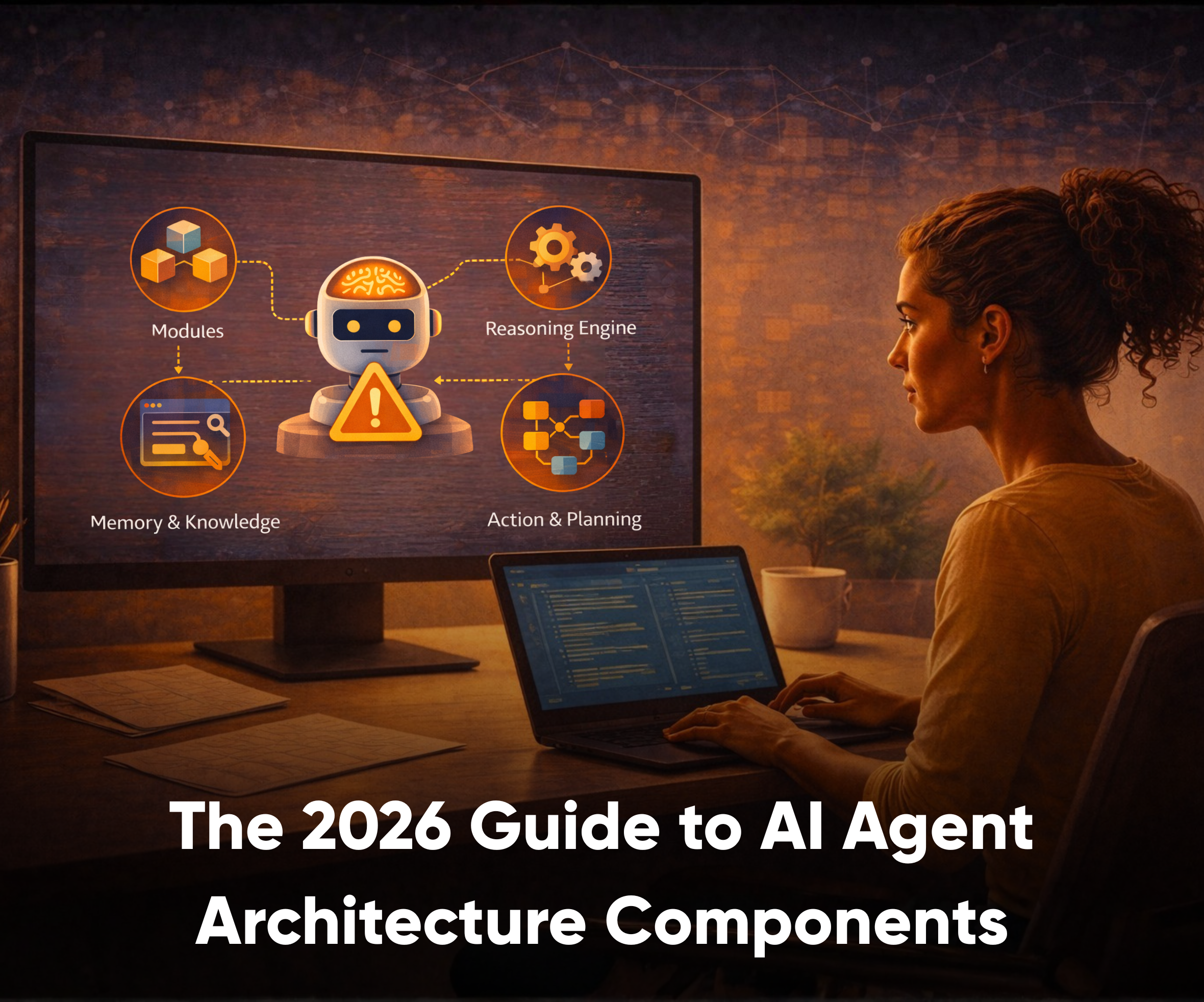

AI agents have moved past the chatbot moment. Google Cloud reports that 52% of executives say their organizations are already deploying AI agents in production, while McKinsey found that 88% of organizations use AI in at least one business function.
The risk starts in production, once agents are expected to plan tasks, call tools, retrieve company data, and complete work across systems. Gartner predicts that over 40% of agentic AI projects will be canceled by the end of 2027 because of rising costs, unclear value, or weak risk controls. Almost none of those cancellations trace back to a weak model, but rather they trace back to architecture nobody designed.
This guide is for product managers, founders, technical leads, architects, SaaS teams, and enterprises deciding whether to build custom agents or work with an AI development company. You’ll learn the AI agent architecture layers, core components, design patterns, UX controls, build process, and production-readiness checklist.
TL;DR
- AI agents are different from chatbots because they can plan, use tools, retrieve data, and complete workflows with limited human input.
- Strong AI agent architecture components help teams control what an agent can see, decide, say, and do.
- Most teams should start with one agent before moving into multi-agent systems.
- RAG, memory, and fine-tuning solve different problems and should not be treated as one architecture choice.
- Production-ready agents need UX controls, guardrails, human approval points, observability, and regression checks.
What Are AI Agents? Core Definitions and Types
An AI agent is software that can observe an input, reason toward a goal, use tools or data, and take action with limited human intervention. It does not only respond to a prompt. It works through a task, decides what context it needs, and uses connected systems to move the workflow forward.
That is the main difference between a chatbot and an AI agent. A chatbot usually answers a question inside a conversation. An agent can plan steps, call APIs, retrieve context, update records, create drafts, trigger workflows, and ask for approval before taking a sensitive action.
For example, a support chatbot can explain how to raise a ticket. An AI agent can read the customer issue, check account history, classify urgency, draft a response, route the ticket to the right team, and ask a human to review the reply before it is sent.
That’s why architecture matters early: once an agent can access data, use tools, and act across systems, teams need to define what it can see, what it can do, when it should stop, and how users can correct it.

Want the business-side view first? See our guide to AI agents for business leaders.
Common types of AI agents
- Simple reflex or reactive agents respond to current inputs using predefined rules. They are useful for narrow tasks where the next action is predictable.
- Model-based agents track context or system state, so they make better decisions using what’s already happened in the workflow.
- Goal-based agents work toward a defined outcome, comparing possible actions to choose the one that moves the task forward.
- Utility-based agents evaluate trade-offs before acting. Quite useful when balancing speed, accuracy, cost, risk, or user preference.
- Learning agents improve through feedback, repeated use, or new information. They are useful when workflows change over time and the system needs to adapt.
- Tool-using agents connect with APIs, databases, CRMs, calendars, analytics tools, or internal systems. These are the agents most teams mean when they talk about practical AI automation.
- Multi-agent systems split work across specialized agents. One agent may plan, another may research, another may review, and another may execute.
Single-agent vs multi-agent architecture
Most teams should start with a single-agent architecture. It is easier to test, govern, monitor, and improve. A single agent works well when one role can own the workflow from start to finish.
Multi-agent architecture makes sense when the workflow has separate responsibilities, permissions, or decision scopes. For example, an enterprise research workflow may need one agent to plan the task, one to retrieve data, one to check compliance, and one to prepare the final output.
The risk in multi-agent architecture is that it adds coordination complexity. If teams introduce too many agents too early, it becomes harder to trace decisions, debug failures, and control system behavior. Start with one agent unless the workflow clearly needs specialized roles.
A useful way to understand AI agent architecture is through what we call the Experience–Control–Execution (ECE) model, three layers that turn a model into a usable system:

- Experience layer: What users see, control, approve, edit, cancel, or correct.
- Control layer: How the agent plans, follows rules, manages memory, handles permissions, and decides when to ask for help.
- Execution layer: How the agent connects to tools, APIs, data sources, retrieval systems, and business workflows.
Together, these layers turn an AI model into a usable agent system. The model may generate the reasoning, but the architecture decides how that reasoning becomes safe, visible, and useful inside a real product.
The 8 Core Components of Modern AI Agent Architecture
AI agent architecture works best when teams treat it as a system, not a single model. A production-ready agent needs a user experience, orchestration, a model, tools, data access, memory, guardrails, and observability. If one part is weak, the agent may work in a demo but fail inside a real workflow.
| Component | What it does | Failure it prevents | What teams should design | What to monitor |
|---|---|---|---|---|
| Experience layer | Defines how users interact with the agent. | Low trust and unclear control. | Role labels, progress states, approvals, edit options, cancel actions, and handoff paths. | Drop-offs, undo usage, approval friction, failed handoffs, and satisfaction signals. |
| Orchestration layer | Manages plans, steps, task state, retries, and fallback paths. | Random execution and broken workflows. | Planning logic, task routing, escalation points, and state management. | Selected plans, failed steps, retry count, completion rate, and escalation rate. |
| Model layer | Handles reasoning, classification, generation, summarization, and decisions. | Poor reasoning, weak task understanding, and unsupported output. | Model choice, prompts, structured outputs, confidence thresholds, and fallback behavior. | Accuracy, latency, token cost, refusal rate, and output consistency. |
| Tools and integrations | Connects the agent to APIs, CRMs, calendars, databases, analytics tools, and internal workflows. | Agents that can talk but cannot act safely. | Strict input/output schemas, least-privilege permissions, audit logs, rate limits, and safe retries. | API errors, latency, permission failures, duplicate actions, and tool success rate. |
| Data retrieval and RAG | Gives the agent current or company-specific context. | Outdated answers and weak grounding. | Source selection, retrieval rules, ranking logic, freshness checks, and citation behavior. | Retrieval accuracy, stale sources, missing context, and citation quality. |
| Memory | Stores useful context across a session or over time. | Repeated questions and broken continuity. | What to remember, what to forget, consent rules, and memory editing. | Incorrect memories, stale preferences, privacy issues, and user corrections. |
| Guardrails and human-in-the-loop | Controls what the agent can see, decide, say, and do. | Unsafe automation, data exposure, and policy failures. | Input checks, output checks, tool restrictions, approvals, escalation, and human review points. | Blocked actions, approval rates, escalations, sensitive actions, and safety incidents. |
| Observability and evaluation | Tracks how the agent behaves after launch. | Silent failures and repeated bugs. | Traces, logs, golden tasks, regression checks, failure taxonomy, and review dashboards. | Costs, latency, tool calls, selected plans, failure rates, escalation rate, and task success. |
These AI agent architecture components also need clear boundaries between RAG, memory, and fine-tuning since they are not the same.
- RAG grounds the agent in current facts from selected sources.
- Memory preserves continuity, preferences, and workflow history.
- Fine-tuning adjusts stable behavior or output structure.

Mixing them up is exactly where teams lose track of where truth, context, and behavior actually live.
Tool design deserves extra care because tools turn an agent from a responder into an actor. Each tool should have strict input/output schemas, narrow permissions, audit logs, rate limits, and safe retries. Start with the smallest set of tools needed for the workflow, then expand access after testing.
Guardrails should be layered; think seatbelts and airbags. Treat these as runtime AI guardrails: permissions, approval points, blocking rules, logging, and recovery behaviors enforced by the product rather than a policy document added later.
Seatbelts are preventive: input checks, permission scopes, and tool restrictions that stop a bad action before it happens. Airbags are reactive: rollback paths and human handoff that limit the damage once something’s already gone wrong. Do not only check the final answer. Add checks around inputs, plans, tool calls, data access, outputs, approvals, escalation, and human handoff
Observability is what keeps the system improvable. Teams should track traces, tool calls, selected plans, costs, latency, failure rates, escalation rate, golden tasks, and regression checks after every prompt, data, tool, or model change.
AI Agent Design Patterns and Anti-Patterns
AI agent design patterns are repeatable interaction choices that help users understand, steer, and trust probabilistic behavior. They turn system architecture into product experience.
Useful patterns include intent-first interaction, progressive autonomy, capability boundaries, explain-before-action, inspectable reasoning, action transparency, confidence calibration, context awareness, feedback-driven learning, consent-aware data usage, and capability evolution.
Intent-first interaction works best when the user’s goal is broad, unclear, or high-risk: add a short clarification step before execution so the agent doesn’t act on the wrong intent.
Progressive autonomy works when teams want to move from manual review to controlled automation. Start with draft-first outputs, then assisted actions, then approved execution once the system has enough evidence.
Capability boundaries work when users may overestimate what the agent can do. Design visible limits, permission labels, and “I can / I cannot” states so users do not expect unrestricted automation.
Explain-before-action is useful when the agent is about to change data, trigger a workflow, or contact another system. Show the planned action before execution so users can approve, edit, or cancel it.
The common anti-patterns are easy to spot. Avoid surprise automation, forced forms too early, silent execution, hidden context, unrestricted autonomy, vague “AI magic” language, and no rollback path. These patterns create the trust problems that agentic systems need to solve.
Strong AI agent design patterns should answer four questions: what can the agent do, what is it doing now, what does it need from the user, and how can the user recover if something goes wrong?
UX Patterns for Building Trustworthy AI Agents
UX is a governance layer. A strong model can still feel unsafe if the user cannot see, control, or recover from its actions.

Start with role clarity. The interface should show the agent’s role, capability limits, access level, and current task. Use a simple role badge, one-sentence role statement, capability chips, and access disclosures.
Then design progress visibility. Users should know whether the agent is planning, doing, waiting on them, or done. Activity feeds, step indicators, before/after diffs, and source drawers make the system easier to trust.
Also show what context the agent used, whether it came from the current session or memory, and where users can turn context on or off. This helps users understand why the agent made a decision and correct the context before the next action.
Control points matter most when actions affect customers, money, data, compliance, or brand reputation. Use “approve,” “edit,” “cancel,” “retry,” “safe mode,” “draft-first mode,” and real “stop” or “undo” paths.
Failure should also be a primary UX state. Plan for missing information, no access, tool failure, partial completion, low confidence, and human handoff. Good AI agent UX best practices make failure understandable instead of surprising.
Step-by-Step: How to Build Production-Ready AI Agents
If you are deciding how to build AI agents, start with the workflow, not the model. Define the problem, the user, the decision owner, the autonomy level, and the outcome that proves value.
Production-ready agents are not built in a single pass. They evolve through structured design, controlled testing, and iterative rollout.
A practical build flow looks like this:
1. Define the purpose, user, workflow, and success metric. Start by identifying a high-impact workflow where automation can create measurable value. Clarify who the user is, what decision or task the agent will support, and how success will be measured (e.g., time saved, error reduction, conversion rate).

2. Decide the autonomy level: draft, assisted, approved, or autonomous. Not every workflow needs full automation. Begin with lower autonomy (draft or assisted) to build trust and gather feedback before moving toward higher autonomy levels.
3. Choose the model based on reasoning need, cost, speed, and risk. Select a model that aligns with the complexity of the task. For reasoning-heavy workflows, prioritize accuracy and context handling. For high-volume tasks, consider latency and cost efficiency.
4. Map tools, integrations, permissions, and data sources. Identify which systems the agent needs to interact with, CRMs, databases, APIs, or internal tools. Define strict permissions and ensure secure access to sensitive data.

5. Design the user flow, approval points, and failure states. Create a clear interaction flow that shows how users engage with the agent. Include checkpoints where users can review, edit, or approve actions. Plan for failure scenarios such as missing data, tool errors, or low-confidence outputs.
6. Add retrieval or memory only where the task truly needs it. Use retrieval (RAG) for accessing up-to-date or external knowledge, and memory for maintaining context across interactions. Avoid overloading the system with unnecessary context.
7. Test in a sandbox with realistic data and edge cases. Simulate real-world conditions using representative datasets. Test edge cases, failure modes, and unexpected inputs to ensure robustness before deployment.
8. Roll out in stages from shadow mode to assisted mode to limited automation. Begin with shadow mode (agent runs in parallel without affecting outcomes), then move to assisted mode (user-in-the-loop), and finally to controlled automation with defined boundaries.

9. Monitor outputs, costs, failures, escalations, and user corrections. Track performance metrics continuously. Use logs and traces to understand how the agent behaves and where improvements are needed.
The AI agent development lifecycle should also include cognitive architecture, runtime tooling, specialized knowledge modules, real ecosystem integrations, safety, governance, performance checks, feedback loops, and release reviews.
| Tool or approach | Best fit | What to verify before publishing |
|---|---|---|
| LangGraph | Graph-based agent workflows where teams need control over steps, state, and routing. | Current orchestration features, deployment options, memory support, and integration limits. |
| CrewAI | Role-based multi-agent workflows where different agents handle planning, research, review, or execution. | Role management, collaboration flow, observability options, and production-readiness limits. |
| Vercel AI SDK | AI product interfaces, chat experiences, streaming responses, and frontend-heavy workflows. | Current UI support, provider compatibility, tool-calling patterns, and backend requirements. |
| OpenAI agent platform | Tool-driven workflows that need model reasoning, tool use, and structured outputs. | Latest tool-calling features, safety controls, tracing, model support, and pricing. |
| Custom runtime | Enterprise workflows that need deeper control over data, permissions, orchestration, and compliance. | Engineering effort, maintenance cost, security review, monitoring, and long-term ownership. |
| AIaaS or low-code tools | Faster pilots, internal workflow automation, or lower-complexity use cases. | Integration depth, data controls, vendor lock-in, approval flows, and governance limits. |
Do not invent production code from a blog draft. Use an engineering-reviewed sample or a verified snippet from the actual implementation stack.
Real-World Challenges, Timelines, and Build Decisions
The hardest part of AI agent architecture is not the first demo. It is connecting the agent to messy systems, unclear permissions, incomplete data, and real user expectations.

Teams usually choose between buying a tool, using low-code AIaaS, building with a framework, or creating a custom agent system. The right choice depends on control, integration depth, speed, governance, UX ownership, and long-term flexibility.
Simple agents can often be built in days or weeks. Enterprise-grade agents usually take longer because they need integrations, permissions, evaluation, security review, and safe rollout. For many business workflows, an 8 to 16 week range is a more realistic planning window when the agent touches internal systems or customer-facing work.
Hidden blockers include data readiness, API reliability, implementation cost, unclear ownership, telemetry gaps, failure recovery, and user trust.
The ProCreator lens is simple: start with the smallest valuable workflow, ship it in a controlled mode, learn from real usage, then scale autonomy after evidence.
Measuring Success and Iterating Your Agent Systems
Agent success is not only task completion. Teams should measure business value, reliability, cost, user trust, and safety.

Track task success rate, time saved, escalation rate, approval rate, user correction rate, tool call success, latency, token cost, and failure patterns. Also track UX signals such as undo usage, context panel usage, approval friction, satisfaction, and handoff success.
Golden tasks are useful for regression reviews. These are high-value workflows that the agent must complete correctly every time. Run them after prompt changes, model upgrades, retrieval updates, tool changes, and permission changes.
A production agent should improve through evidence, not guesswork. Observability helps teams see what broke, where it broke, and what needs to change.
The Future of AI Agent Architecture
The next phase of agent systems will include better memory, more standardized tool access, stronger governance, on-device agents, and more multi-agent workflows. But better models will not remove the need for architecture.
As agents become more capable, teams will need stronger boundaries, clearer permissions, better retrieval, visible approvals, and deeper observability. The systems that win will not be the ones with the most autonomy. They will be the ones users can understand, guide, and trust.
AI agent architecture matters beyond 2026 because it lets teams scale capability without losing control.
Conclusion and Next Steps
Good agents are not built by connecting a model to a few tools and hoping users trust the result. They need a clear structure for planning, context, tools, memory, guardrails, UX, and evaluation.
Before building, check whether your layers are defined, AI agent architecture components are mapped, tools are permissioned, retrieval and memory are separated, guardrails are designed, UX controls are visible, observability is ready, and rollout mode is chosen.
The next step is to start with one controlled workflow. Prove that the agent can complete it safely, visibly, and reliably. Then expand its scope.
ProCreator helps teams design and build production-grade AI agent systems, from experience design to architecture, implementation, and safe rollout. If you are deciding how to move from AI experiments to real agent workflows, connect with our AI development team.
FAQs
What are the main components of AI Agent Architecture?
The main components of AI Agent Architecture usually include the experience layer, orchestration, model layer, tools and integrations, data retrieval, memory, guardrails, and observability. Together, these components make the agent useful, reliable, and easier to control in production.
What is multi-agent architecture?
A multi-agent architecture is a setup in which multiple specialized agents work together rather than relying on a single general-purpose agent. It is useful when planning, research, execution, and review need to be handled by separate agents with different roles or permissions.
How do you choose the right AI Agent Architecture for a product?
The right AI Agent Architecture depends on the workflow, risk level, tool access, data requirements, and amount of autonomy the agent needs. The best starting point is usually the simplest architecture that gives the agent sufficient capability without making control, debugging, or governance more difficult.
What is MCP in AI Agent Architecture?
MCP, or Model Context Protocol, is an emerging standard that helps AI systems connect more cleanly with tools, data sources, and external systems. It supports more structured tool access, but it still needs orchestration, permissions, and guardrails around it.


